Start here
Set up your machine

How to Add Registration Marks in Silhouette Studio
Get print-and-cut lining up on your Cameo or Portrait, and skip it entirely with a ready-made file.
Read ->
Why Your Cricut Print-Then-Cut Won't Line Up
The common causes of registration failures in Design Space and how to fix them for good.
Read ->
Roland CutContour Setup: Spot Colours That Cut
Set up the CutContour spot colour so VersaWorks cuts exactly where you want it.
Read ->
Graphtec Registration Marks & Cut File Setup
Register marks and cut lines for Graphtec Studio and Cutting Master print-and-cut jobs.
Read ->Prepare your artwork
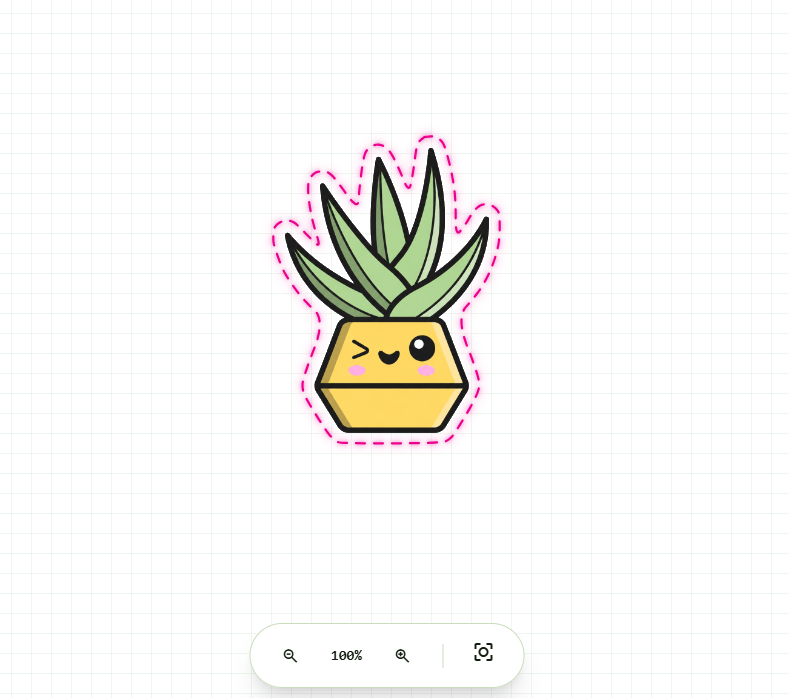
PNG to SVG Cut File: The Easy Way
Turn a raster PNG into a clean vector cut line without redrawing it by hand.
Read ->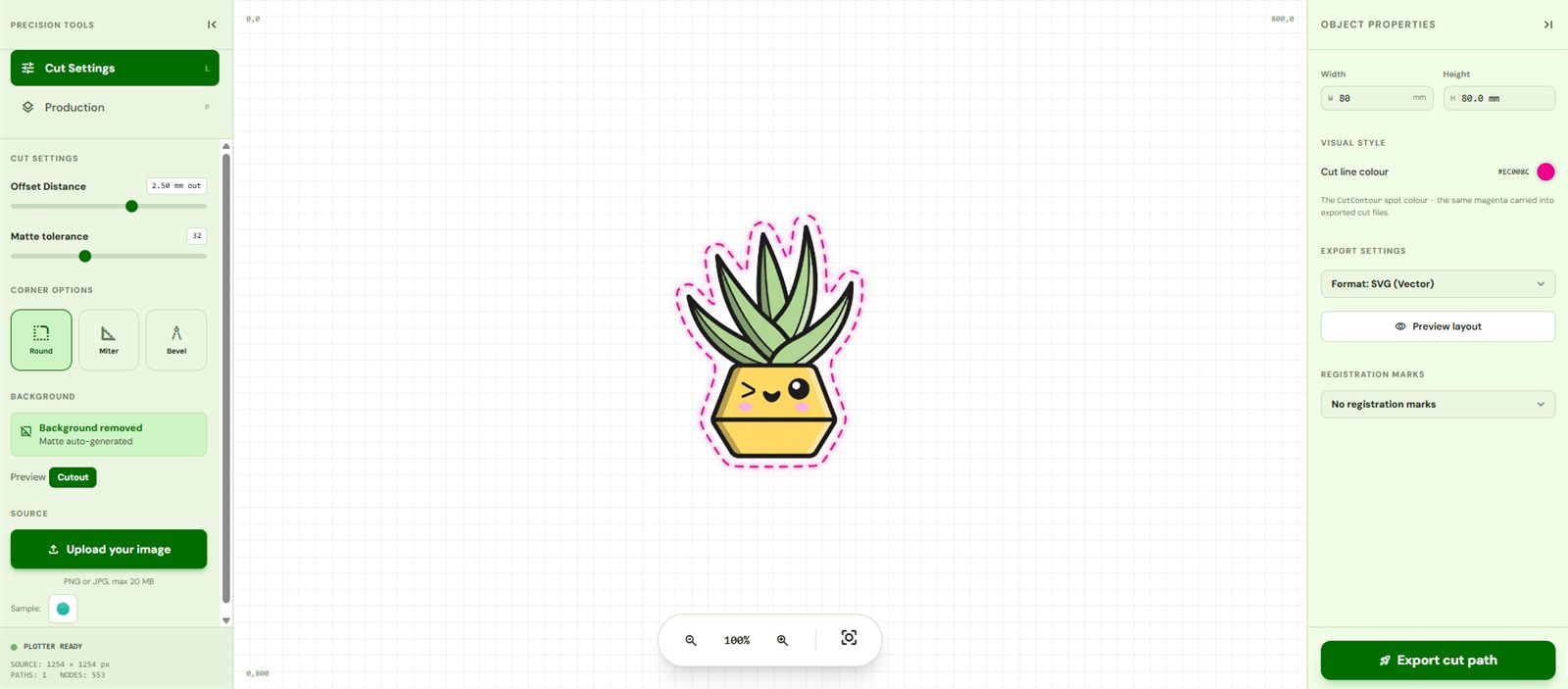
How to Add a Cut Line to a Sticker
Create an offset outline that hugs your design - no pen tool required.
Read ->
Remove a Background for Die-Cut Stickers
Get a clean edge from a JPG or photo so the cut follows the subject, not the box.
Read ->Bleed and Offset for Stickers, Explained
What bleed and offset actually do, and the values that stop white edges and miscuts.
Read ->Formats & terms
The Best File Format for Cutting Stickers
SVG, PDF, DXF or EPS - which one your cutter and print shop actually want.
Read ->What Is a CutContour (Spot-Colour Cut Layer)?
The spot colour every RIP looks for to tell print from cut - and how to add it.
Read ->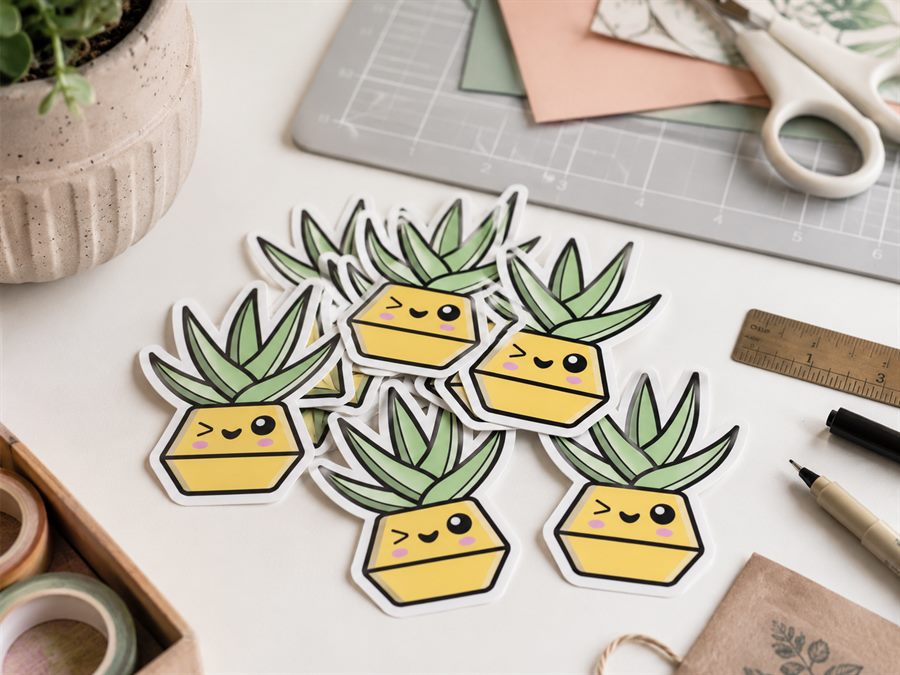
Kiss Cut vs Die Cut Stickers
The difference, when to use each, and how the cut file changes between them.
Read ->Grow your sticker business
By use case
Cut Files for Etsy Sticker Shops
File bundles buyers expect, kiss-cut vs die-cut for dispatch, and the offset that sells.
Read ->Cut Files for Laptop Stickers
Small-format die-cut settings, size guidance, and weeding-safe corners.
Read ->Cut Files for Water Bottle Stickers
Curved surface sizing, dishwasher-safe vinyl and laminate stacks.
Read ->Cut Files for Car Window Stickers
Cast vinyl, weather-resistant offsets, and inside vs outside application.
Read ->
Wedding Decal & Vinyl Cut Files
Monograms and signage - script-safe offsets, once traced, cut on every material.
Read ->Cut Files for Kiss-Cut Labels & Sheets
Kiss cut vs die cut, sheet layout, and blade depth per material.
Read ->Cut Files for Holographic Stickers
Printable holo vinyl, solid holo cut decals, and layered vinyl stacks.
Read ->Convert your PNG to a cut file
PNG to SVG for Cut Files
Why generic converters fail on cut files, and how the CutPath Pro SVG is structured.
Read ->JPG to SVG for Cut Files
Automatic background removal before the trace, so the cut line follows the subject.
Read ->PNG to DXF for Cutters & CNC
AutoCAD 2004 format, real-world millimetres, for older plotters, CNC and lasers.
Read ->PNG to Cut File - All Formats
SVG, DXF, EPS and PDF from one upload. One credit unlocks every format.
Read ->