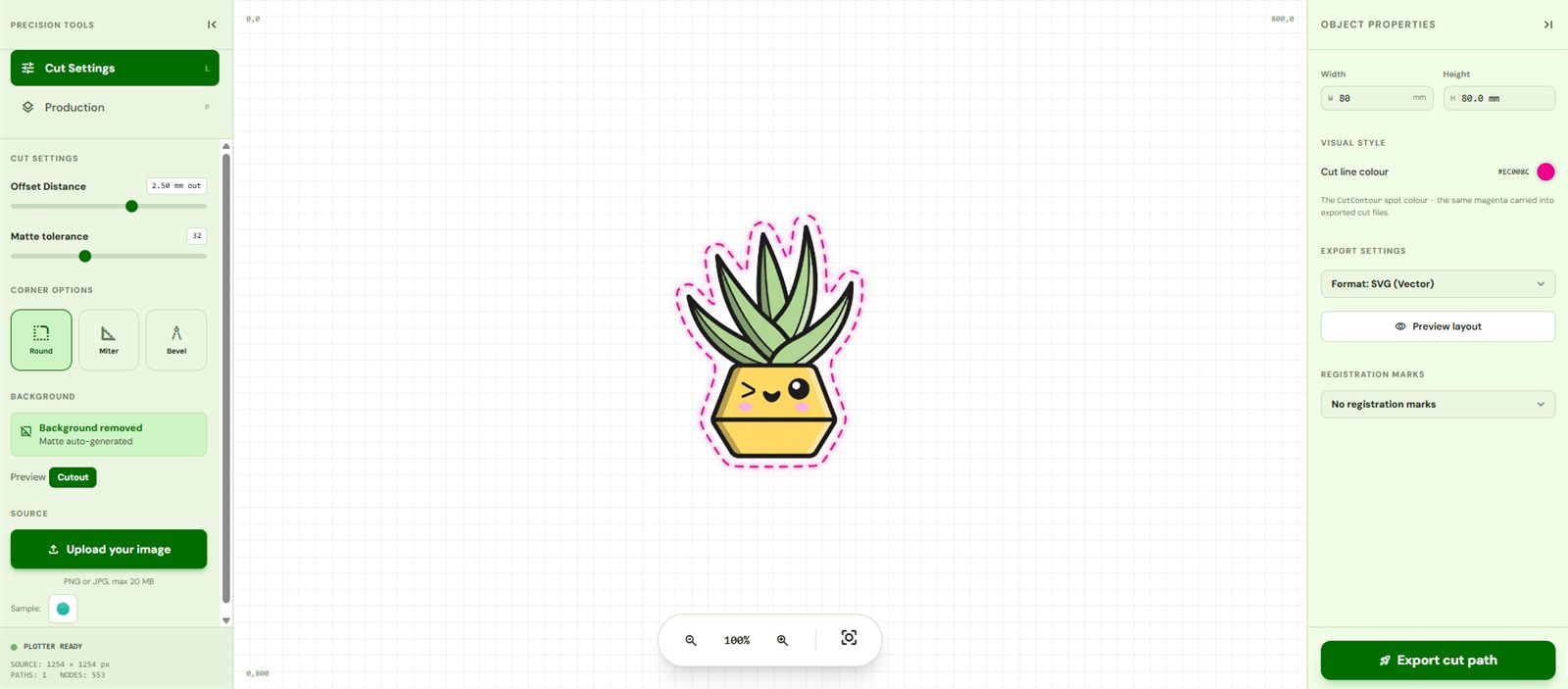
From your art to a finished sticker
Scroll the whole journey - upload, trace, cut, peel, stick.

Drop in your art
Upload a PNG or JPG. Transparent art is traced as-is; photos have their background removed automatically so the path hugs the subject.
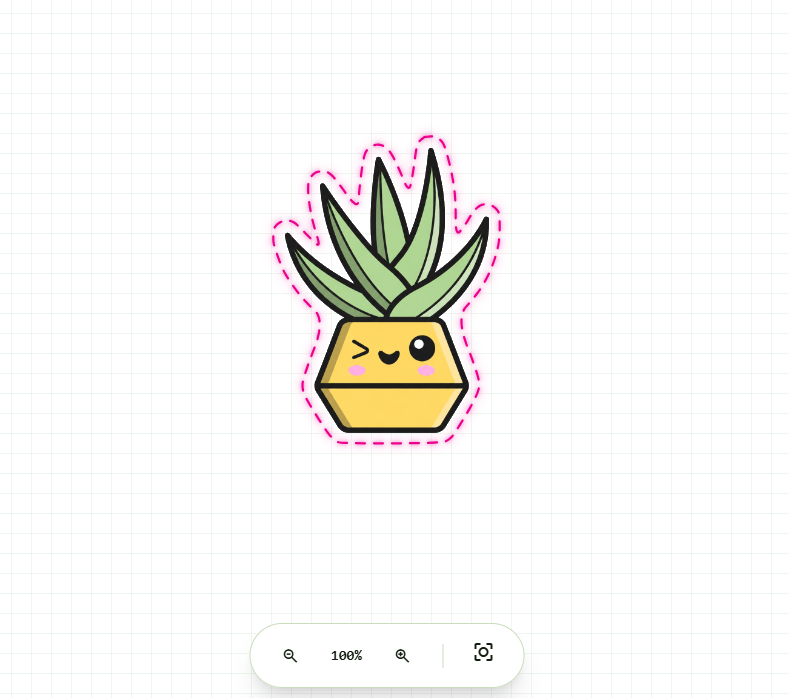
Trace the exact cut line
CutPath Pro traces every pixel. Dial in the offset and corners, add registration marks for your machine, and preview to scale.
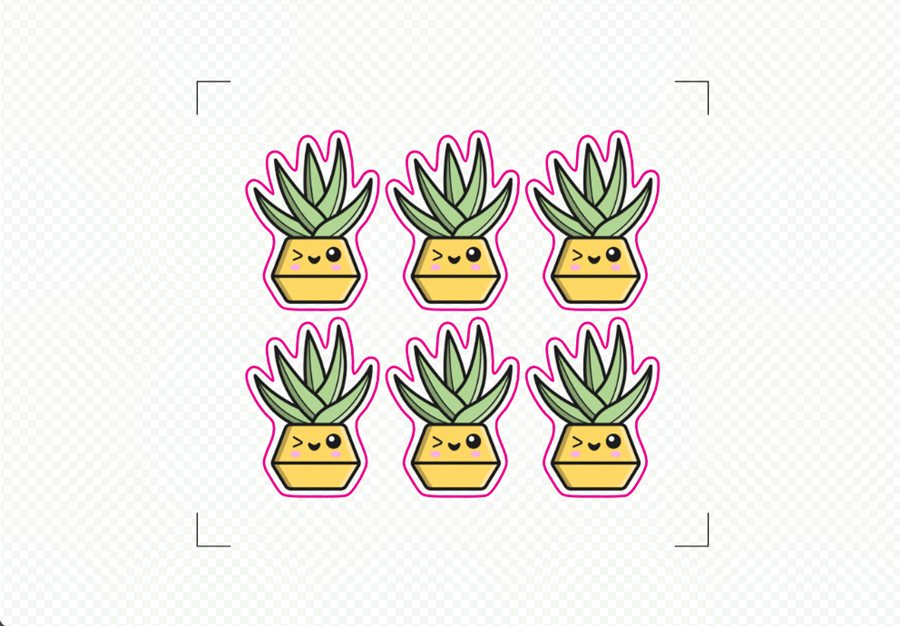
Add registration marks & fill a sheet
Step-and-repeat as many copies as you like and drop in your machine's registration marks - the cut lines up with the print across the whole sheet.
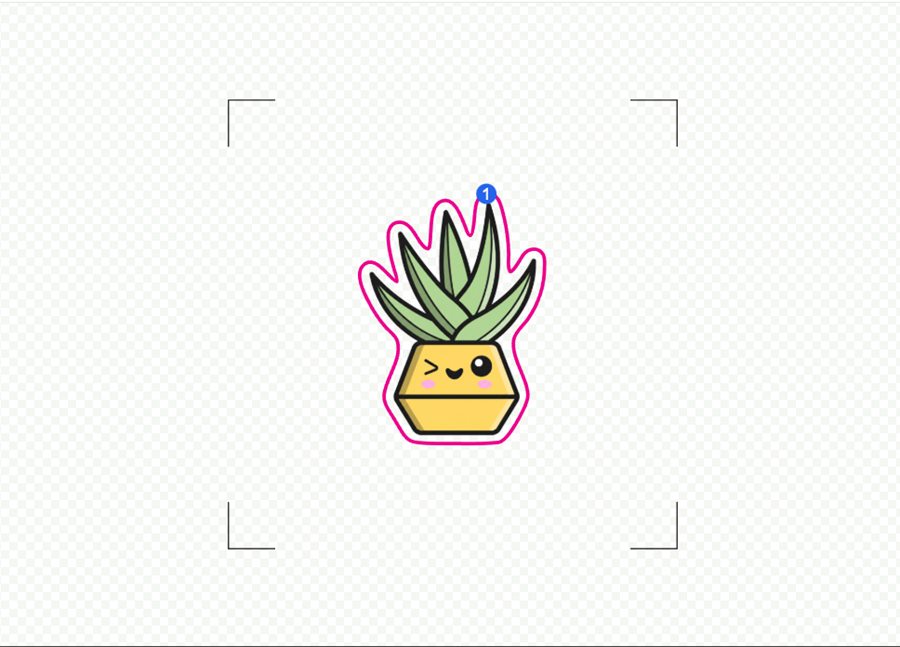
Preview every cut
See the exact cut line and the blade's travel path before you commit - no wasted media, no surprises.
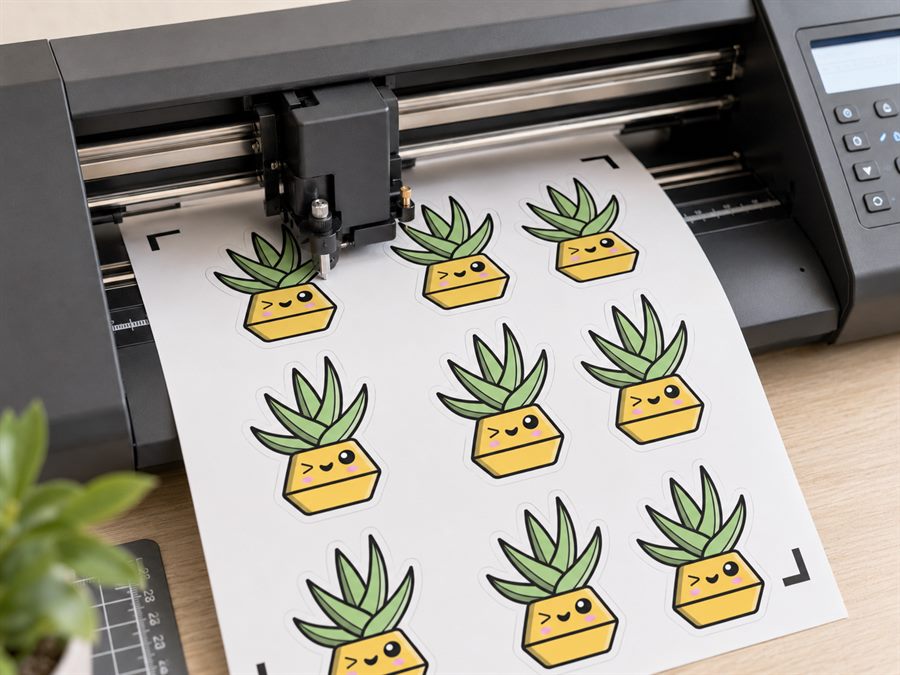
Cut it on your machine
Export SVG, PDF, DXF or EPS with a named CutContour layer - ready for Silhouette, Roland, Graphtec and more.
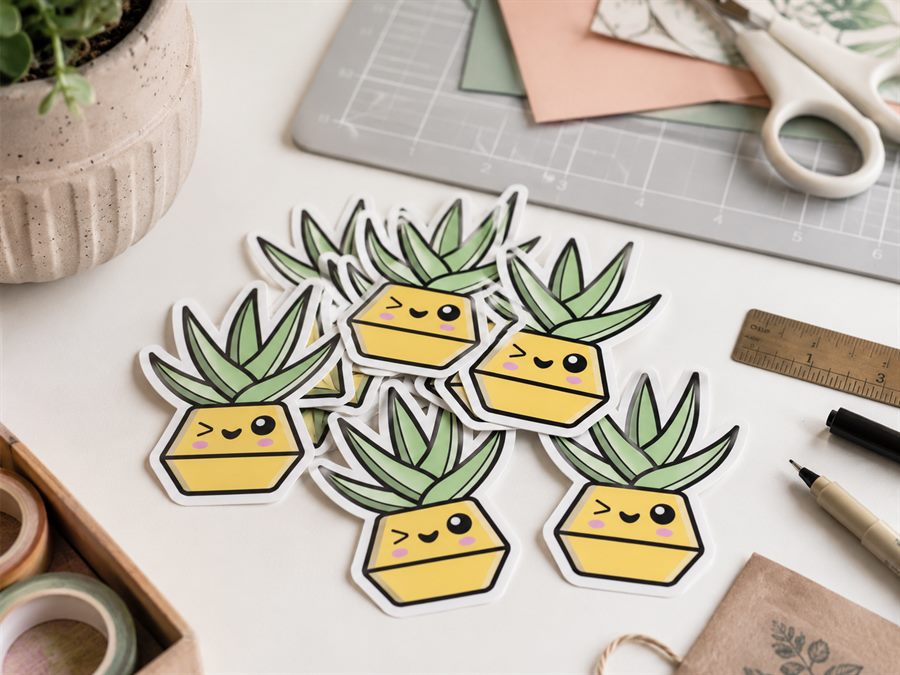
Peel your die-cuts
Weed and peel clean, professional die-cut stickers - the cut lines up with the print every time.
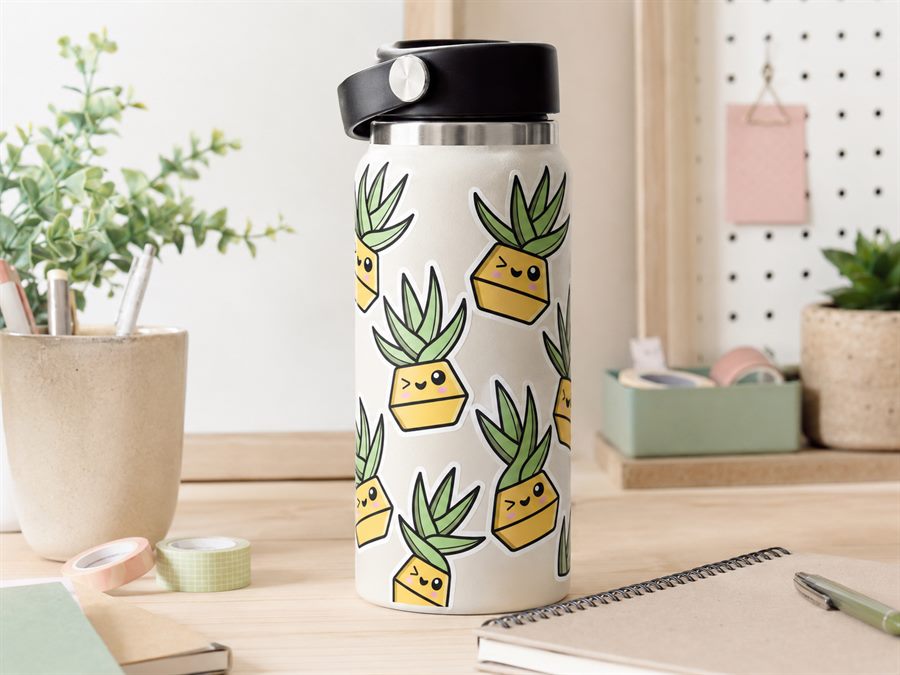
Stick it anywhere
Bottles, laptops, packaging, shop windows - your art, cut to shape and ready to sell.